I’m not sure why I decided to make this, but I spent the last few hours on this random idea and I am hungry please send snacks.
Bubble Tea uses a Model–View–Update (MVU) architecture, making it easy to build state-driven terminal applications. It separates application logic from rendering, which is particularly useful for handling multi-step user interactions.
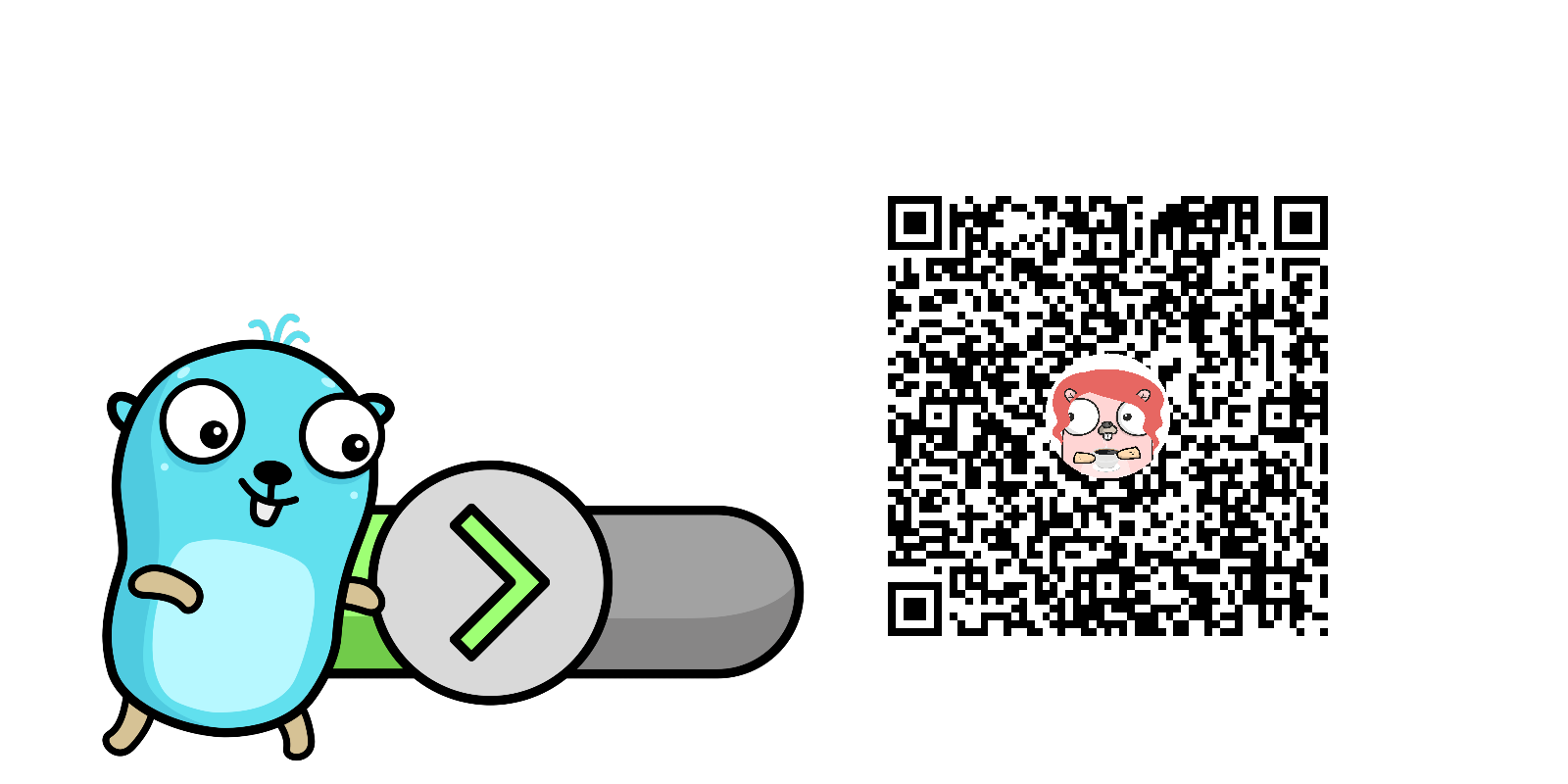
To demonstrate how BubbleTea works, I built a QR code generator CLI. The app asks the user for a name, a website, and optional notes, and produces a PNG QR code. To make it a little more fun and not just “using the library, I’m done”, the QR code is being generated with a circular gopher mascot in the center (or any other image, I’m just obsessed with the Go mascot at this point of time.)
Not the most serious project, but I just wanted to try Bubble Tea in action.
The Bubble Tea Advantage
Bubble Tea uses the Model-View-Update (MVU) architecture:
-
Model: keeps all the app state (current input, QR content, errors, etc.)
-
Update: handles messages (key presses, timers) and updates the model
-
View: renders the current state to the terminal
This pattern makes the app modular and very easy to extend. You just need to add a new state and update the view accordingly (Update()). Here’s a tiny snippet showing how my app moves through the input steps:
switch m.state {
case askName:
    m.name = userInput
    m.state = askSite
case askSite:
    m.site = userInput
    m.state = askNotes
case askNotes:
    m.notes = userInput
    m.state = done
    generateQRCode(m)
}
Technical Deep Dive: QR Code with Circular Overlay
The tricky bit was putting a circular gopher over the QR code without breaking it. QR codes have finder patterns, timing patterns, and data modules. If you cover the wrong part, the scanners will fail. The QR code library has an option for High quality/high error correction option: qrcode.High (~30% redundancy), so you can safely overlay an image in the center, just don’t go past 30% coverage.
-
Finder patterns - the corner squares for orientation
-
Timing patterns - horizontal/vertical lines connecting corners
-
Data modules - the rest of the small squares that encode the information
Creating a Circular Mask
To make the gopher circular, I had to mask it. Here’s how to do this.
-
Resize the gopher to ~25% of the QR width.
-
Create an alpha mask that is opaque inside a circle and transparent outside.
- had to look it up, I don’t like working with images.
-
Use
draw.DrawMaskto apply the mask to both the gopher and a white background.- never used this library before, so that was… interesting.
// Create circular mask
mask := image.NewAlpha(resized.Bounds())
cx, cy := resized.Bounds().Dx()/2, resized.Bounds().Dy()/2
radius := cx
for y := 0; y < resized.Bounds().Dy(); y++ {
    for x := 0; x < resized.Bounds().Dx(); x++ {
        dx, dy := x-cx, y-cy
        if dx*dx+dy*dy <= radius*radius {
            mask.SetAlpha(x, y, color.Alpha{A: 255}) // opaque inside
        } else {
            mask.SetAlpha(x, y, color.Alpha{A: 0})   // transparent outside
        }
    }
}
Then:
// Draw circular white background
white := image.NewUniform(color.White)
draw.DrawMask(out, resized.Bounds().Add(offset), white, image.Point{}, mask, image.Point{}, draw.Over)

// Draw circular gopher
draw.DrawMask(out, resized.Bounds().Add(offset), resized, image.Point{}, mask, image.Point{}, draw.Over)
This ensures:
-
The QR code remains scannable
-
The gopher image is circular
-
The white “safe zone” is circular, blending cleanly with the QR.
I guess, I didn’t really need a white background, it just looks neater.
Why it Works
-
High error correction in QR code handles the missing modules of the QE code under the gopher image.
-
Masking gives you true circles in Go, despite
image/drawbeing rectangle-based.
Takeaways
-
The MVU pattern in Bubble Tea lets you cleanly separate input handling from rendering, so adding new features is easy.
-
Masking in Go is straightforward once you get the hang of it. Draw the mask for both the background and the image.
-
QR codes can handle a center image as long as error correction is high.
-
I could probably make it prettier but I am not a front-end client facing person so… No.
Try it yourself: https://github.com/ikristina/qr_gopher
Comments